So I decided to start adding images to this blog and I found two probably the best (prove me wrong) website for ai generated images and two (or three) pretty neat commands in my debian that are probably going to be the only ones I will ever use from now on when working with images.
I’m no expert so I need easy to use tools just to get the job done quickly to upload images to this website and with minimum effort (I am shameless).
https://zoo.replicate.dev
Thanks to this website and the geniuses behind this open source project.
So as a test, i will upload an image previously downloaded from their website. But before that, I will modify it to reduce its size to save space and make it more suitable as featured image.
The first tool is exiftool that shows the metadata of the image.
:~/server_images$ exiftool creepypplonajet.png
ExifTool Version Number         : 12.16
File Name                       : creepypiconajet.png
Directory                       : .
File Size                       : 879 KiB
File Modification Date/Time     : 2023:11:04 04:49:15-04:00
File Access Date/Time           : 2023:11:04 04:49:15-04:00
File Inode Change Date/Time     : 2023:11:04 04:49:15-04:00
File Permissions                : rw-r--r--
File Type                       : PNG
File Type Extension             : png
MIME Type                       : image/png
Image Width                     : 768
Image Height                    : 768
Bit Depth                       : 8
Color Type                      : RGB
Compression                     : Deflate/Inflate
Filter                          : Adaptive
Interlace                       : Noninterlaced
Image Size                      : 768x768
Megapixels                      : 0.590
Then we have identify and convert… yep pretty simple named commands. Both identify and convert commands are part of the ImageMagick package and it’s supposed to be widely used and very popular.
identify well.. identifies the images and convert well… converts them! I love the straightforwardness
:~/server_images$ identify creepyppplonajet.png
creepyppplonajet.png PNG 768x768 768x768+0+0 8-bit sRGB 900046B 0.000u 0:00.000
ls -lh
-rw-r–r– 1 root root 879K Nov 4 04:49 creepypplonajet.png
It’s a 768×768 image and 879 kilobytes. lets shrink it with convert by setting the pixel size.
:~/server_images$ convert image.png -resize 200x200 image_small.pngYour can also reduce (change) the size by choosing a percentage. In this case the image is reduced by 50%.
:~/server_images$ convert image.png -resize 50% image_small.png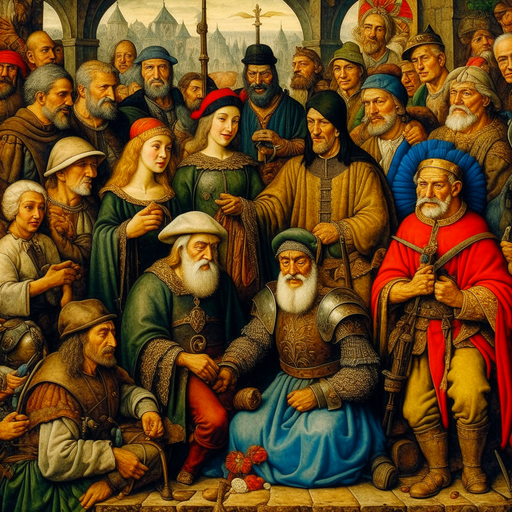
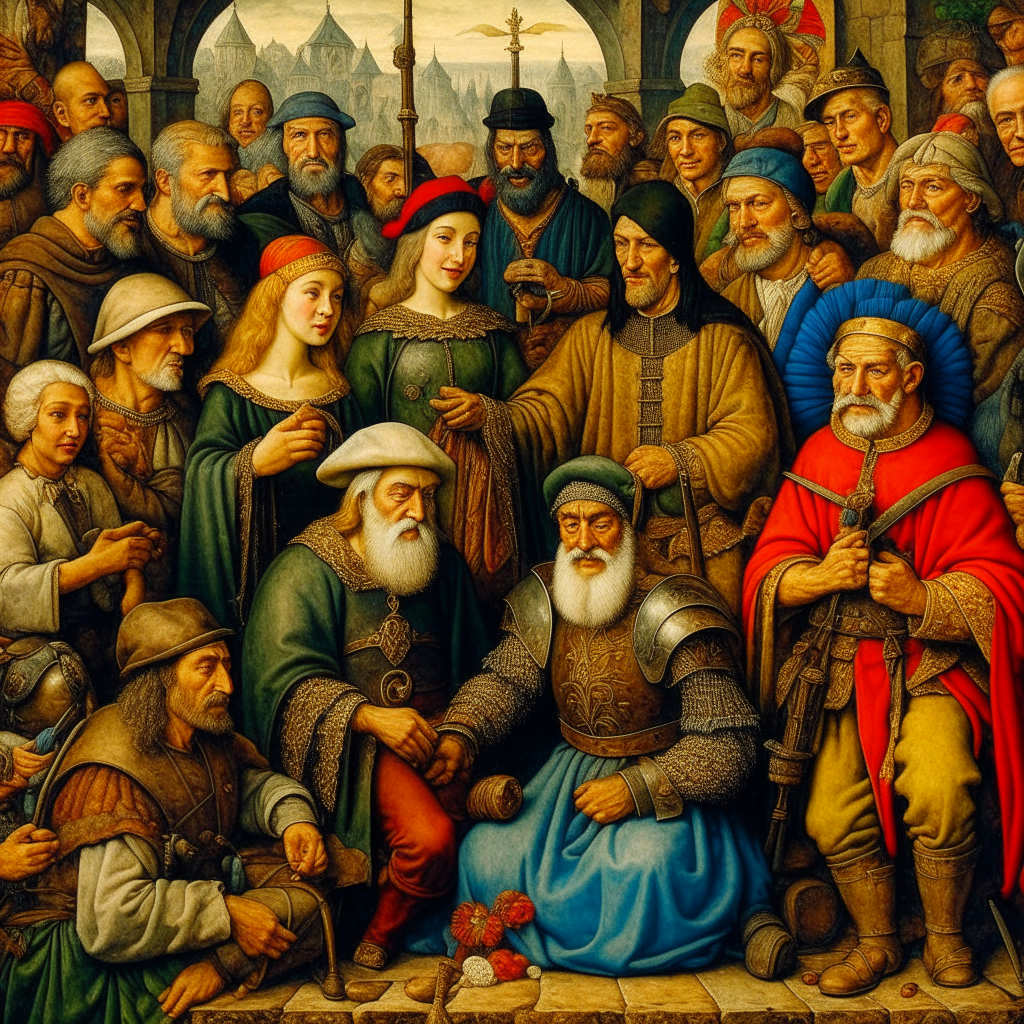
From 2.2 MB to 540 Kb
Not bad at all and the possibilities are many in terms of efficiency managing large volumes of images and the capabilities of these tools.
I’m juts going to make a brief pause to this post here and keep editing in the near feature to post more functionalities of the convert tool. In the meantime I’m publishing this post anyways!
New edit: https://zoo.replicate.dev is not working as open as it was before. A good alternative is https://deepai.org.